
Your photos, on your USB
Save iPhone photos to USB.
No computer needed.
Save videos and contacts too. The originals stay on your iPhone.

Pick one
Back up all, or photos only?
How it works
Plug in the USB drive and press and hold the circle
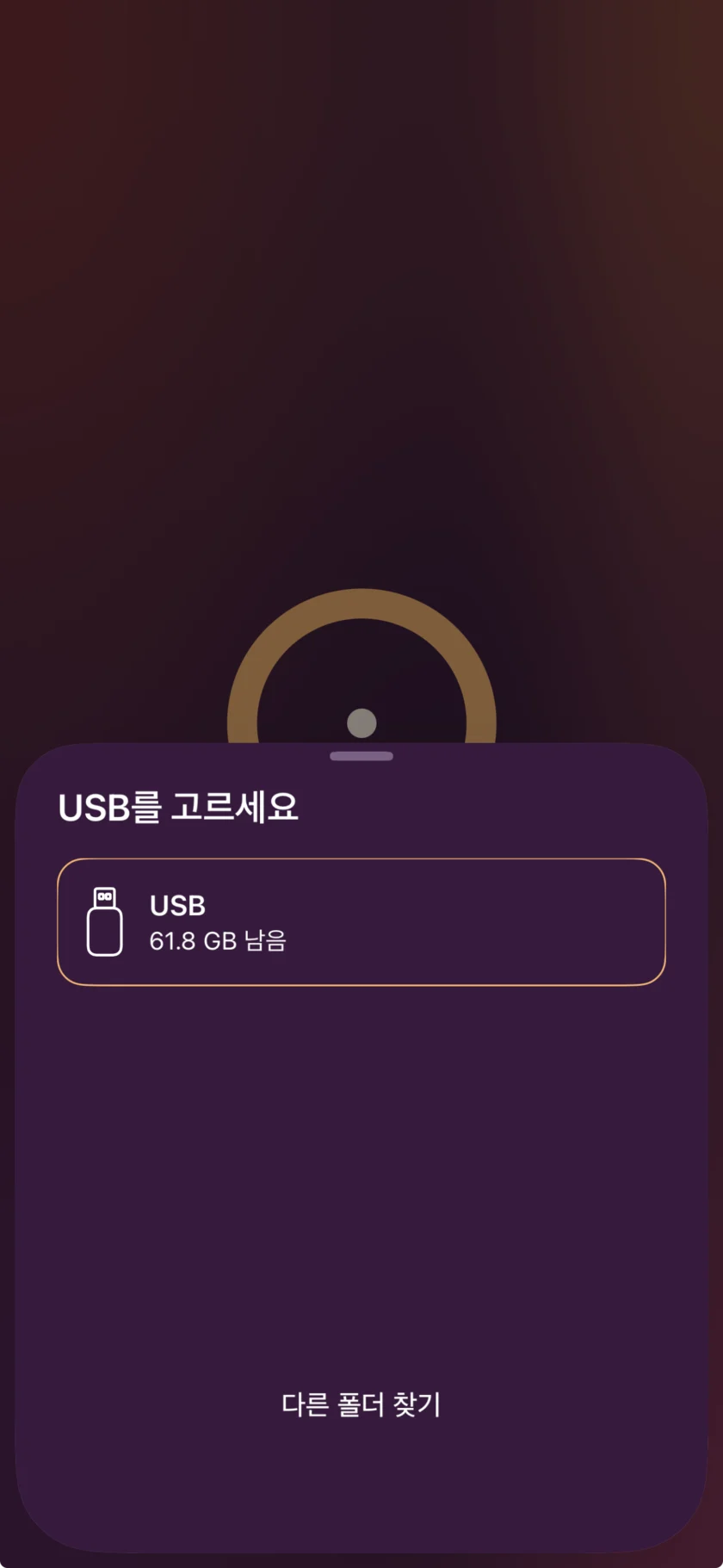
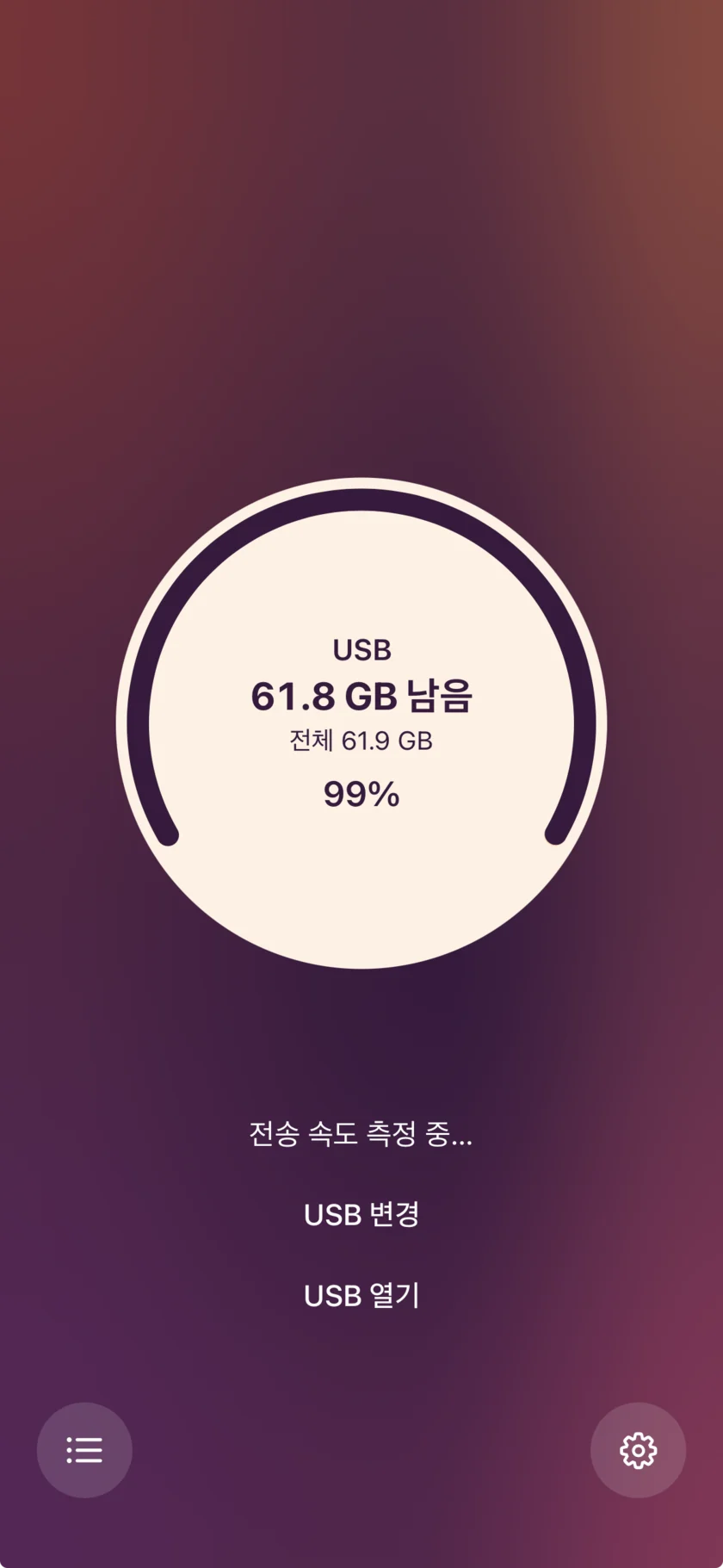
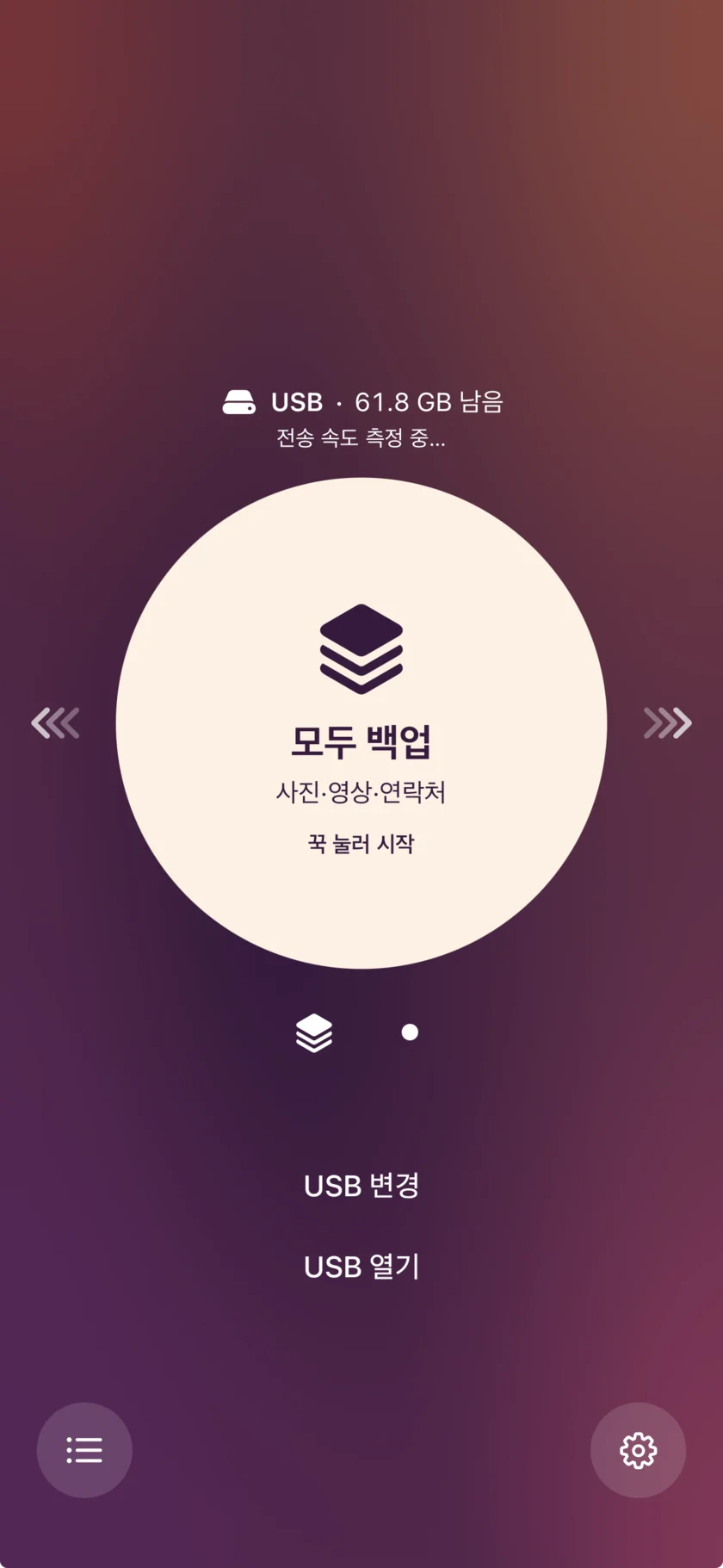
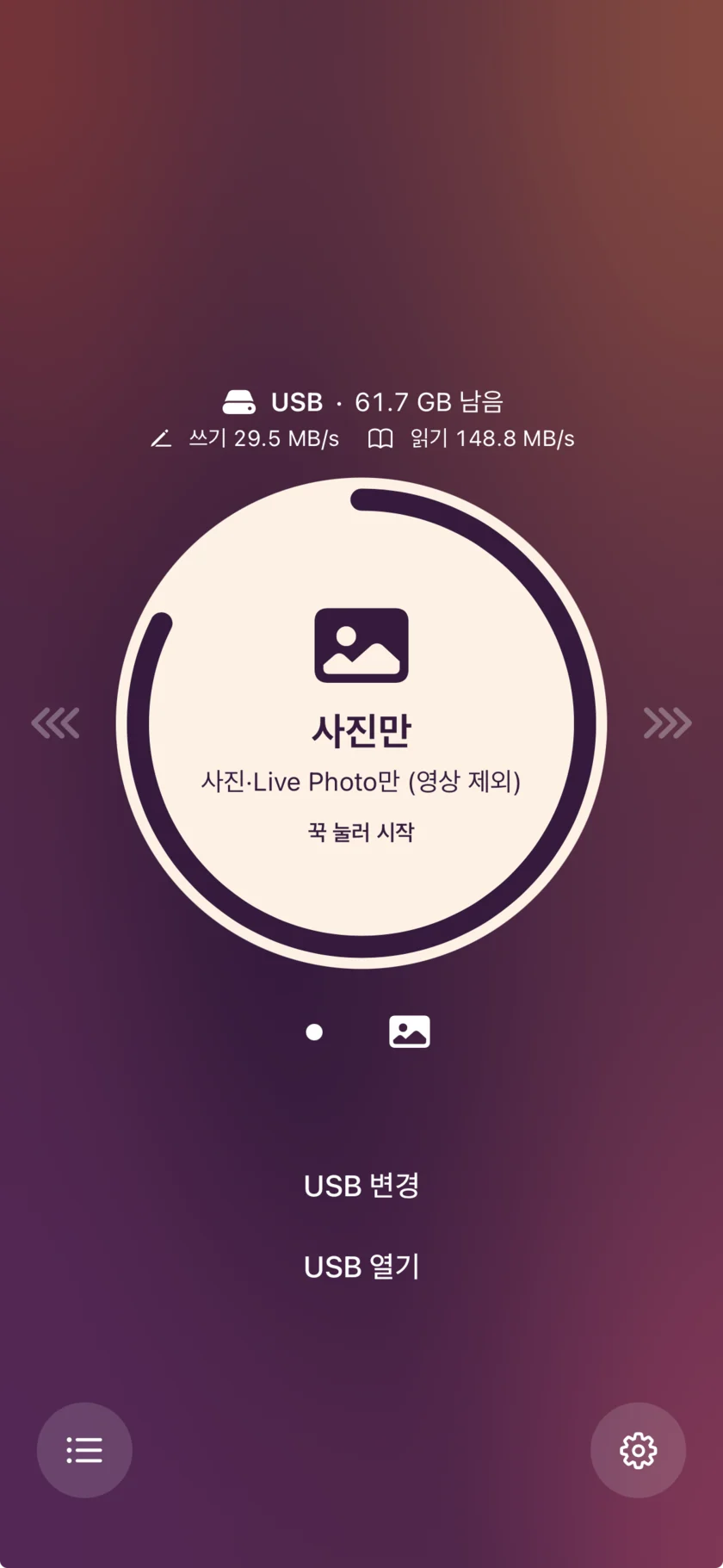
Plug in the USB drive and tap the screen
The first time, choose the drive in the iPhone file picker.
Check the free space
The circle shows the drive's free and total space. The app also measures write and read speed.
Slide the circle to choose a mode
Choose Back up all or Photos only.
Press and hold the circle to start
If the drive comes out, the app shows a warning and waits 10 seconds.
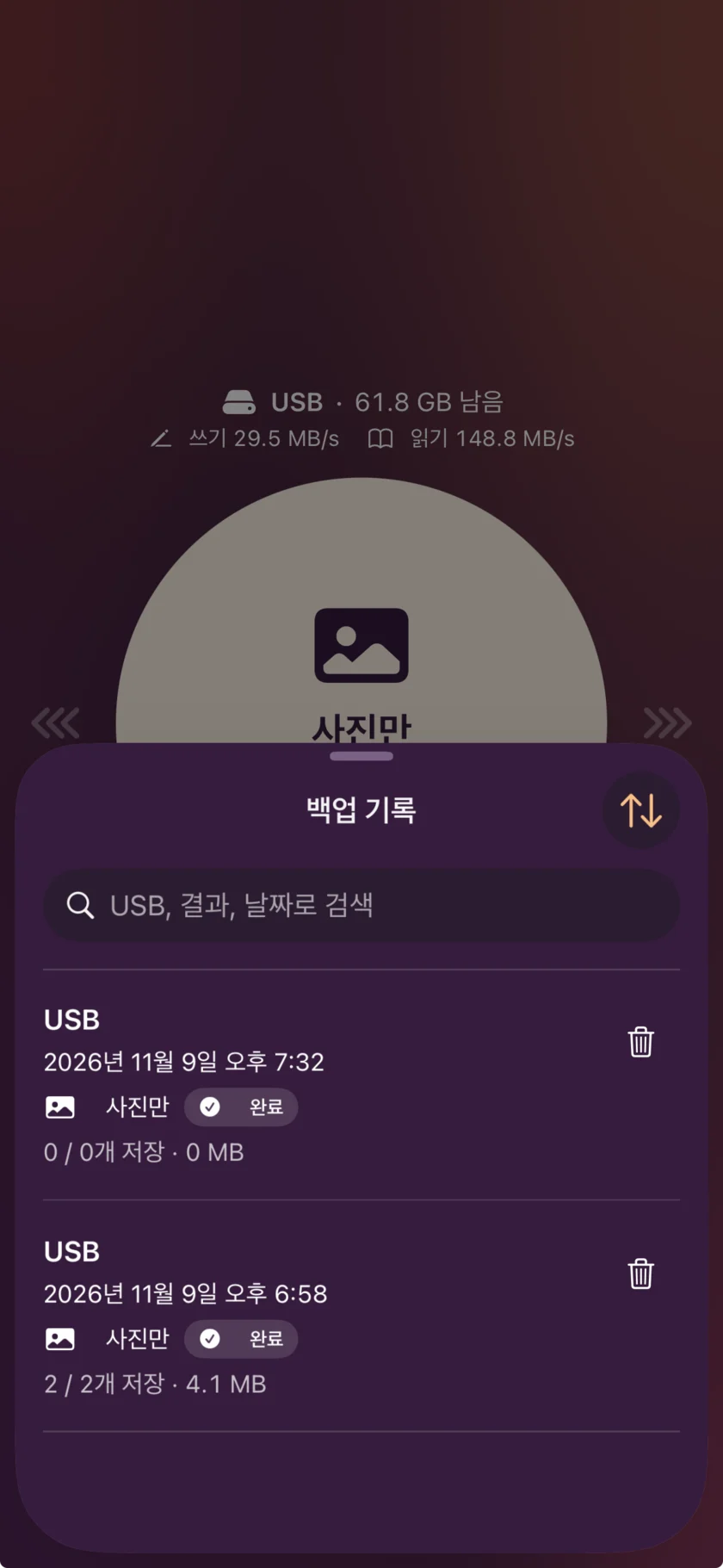
Check the result in Backup history
The app records whether the backup finished and where it stopped. Resume a stopped backup from the history.
Before you buy
Check these five things first
Make sure your setup meets the conditions below.
- iPhone
- Requires iOS 26 or later. iPhones with a Lightning port need a USB adapter.
- USB format
- Works with exFAT and FAT32 USB drives.
- Power
- Some USB drives need external power connected to the iPhone.
- During a backup
- Keep the app open while it backs up.
- Security
- Store the USB drive somewhere safe.
Have a question? Visit the support page.
Quick answers
Frequently asked questions
What is U-Saver?
U-Saver is an iOS app that saves iPhone photos, videos, and contacts to a regular USB drive with no computer. U-Saver doesn't yet restore backups from USB to your iPhone.
Can I back up iPhone photos to USB without a computer?
Yes. Plug the USB drive into your iPhone and press and hold the circle in the app to start. According to Apple, iPhone can connect directly to external storage and move files.
Which USB drives can I use?
You can use USB drives formatted as exFAT or FAT32. To save videos larger than 4GB, choose exFAT. Apple lists both as supported formats for external storage on iPhone.
How much does U-Saver cost?
In Korea, U-Saver is a one-time purchase of 4,900 KRW. The app is available on the App Store.
What happens if the USB drive comes out during a backup?
The app shows a warning and waits 10 seconds. Plug the drive back in during that time. You can resume a stopped backup from Backup history in the app.
How is it different from iCloud backup?
Apple's iPhone backup saves to iCloud or a computer. U-Saver saves photos, videos, and contacts to a USB drive. It has 2 backup modes: Back up all and Photos only.
Last updated